
Elevate Your Practice with Logicare Multi
Logicare Multi is the number 1 online software for multidisciplinary practices in Luxembourg.


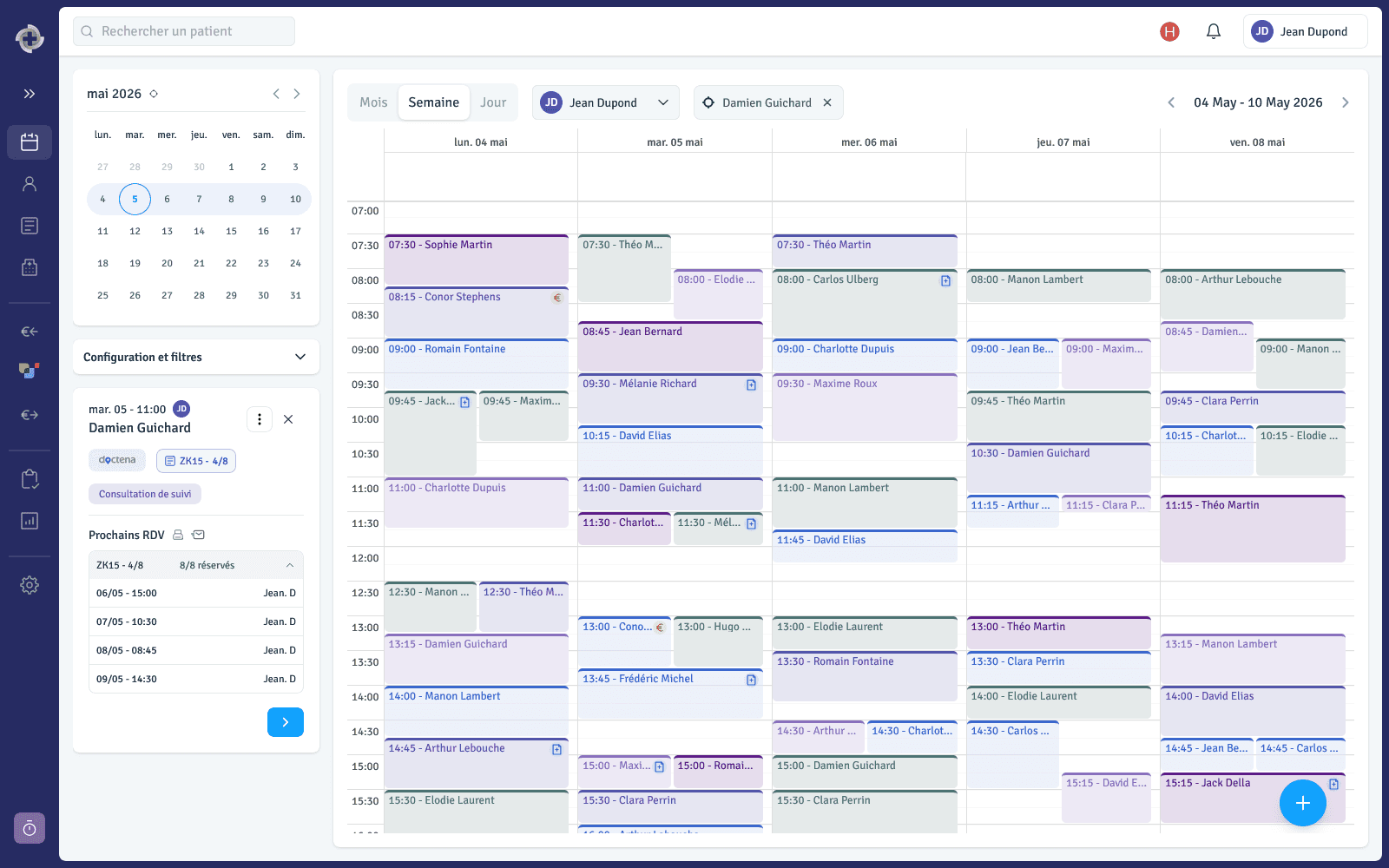
Complete schedule management
Integrated Calendar Solution
Simplify appointment management with features such as multi-booking and customizable views (day, week, month). Easily reschedule or cancel appointments and manage multiple practitioners’ schedules.

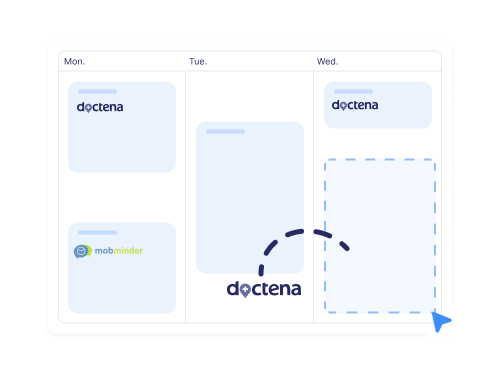
Doctena / MobMinder Synchronization
Automatically synchronize your Doctena or MobMinder appointments with Logicare. Appointments are imported into your Logicare calendar with no additional action required.
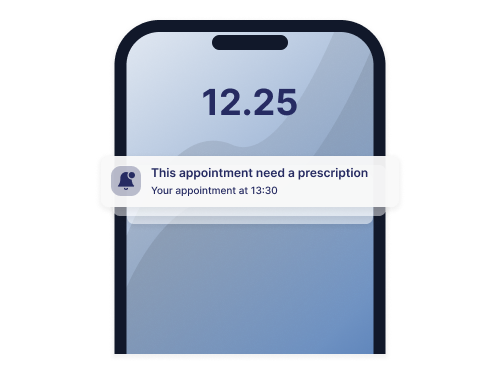
Filters and Alerts
Identify appointments that require action using icons (missing prescription, to be billed) and use filters to easily organize your appointments (no-shows, canceled, etc.).
Patient follow-up
Patient Record
Easily fill in and access essential patient information: contact details, address, emergency contacts, and spoken languages.

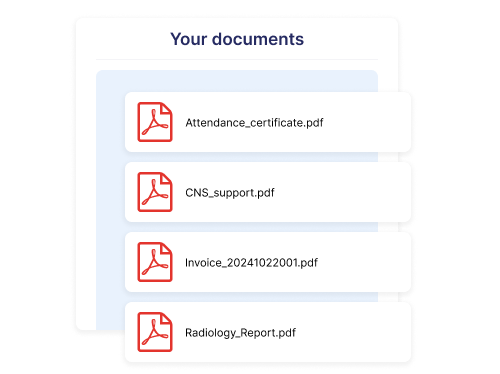
Documents and Certificates
Centralize photos, PDFs, and documents in the patient record. View, download, or send them by email. Also generate certificates such as attendance confirmations.
Note Taking
Quickly take notes at each appointment to maintain a clear overview of the patient and their follow-up. Export them as PDF or send them by email in one click. Format your text with colors and bold using our integrated editor.
Customizable Health Assessments
Create personalized health questionnaires for each patient, enabling accurate diagnoses. Easily configure questions based on patient needs and health conditions.

Prescription and treatment entry
AI-Powered Prescription Analysis
Enter prescriptions in under 30 seconds thanks to automatic analysis. Our AI detects filled fields, speeds up the process, and reduces errors for smoother workflows.

Comprehensive Treatment Monitoring
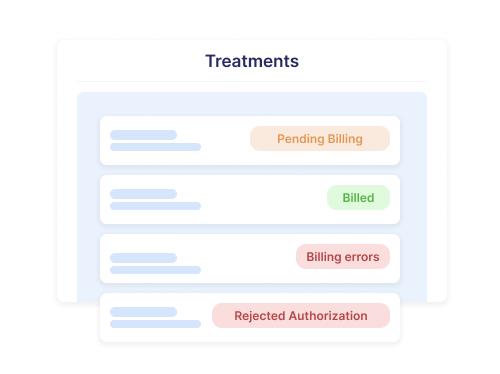
Easily monitor all ongoing treatments, including billing and CNS authorizations. Receive instant alerts in case of issues, ensuring smooth patient care management.
Centralized Treatment Actions
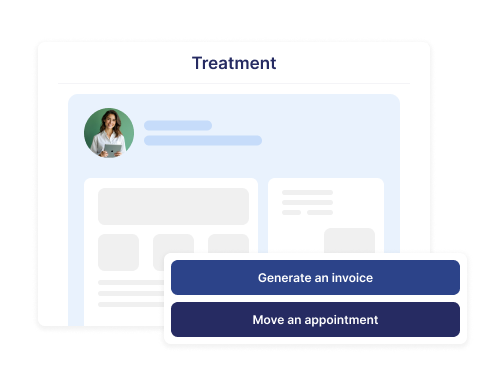
Access and manage all key treatment tasks—appointment changes, CNS corrections, and invoice generation—in one place, improving speed and efficiency.
Optimal care organization
Service Configuration
Configure your services with pricing, VAT rate, and revenue-sharing percentage. They are then ready to be automatically used during billing.

Smart Visit Reasons
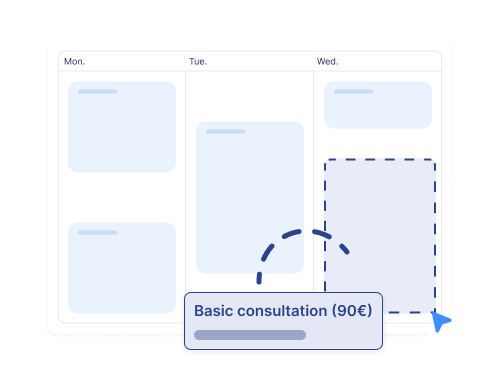
Create visit reasons linked to your appointments and a specific service. The associated service is automatically added to the appointment invoice, saving you time.
Additional Product Add-ons
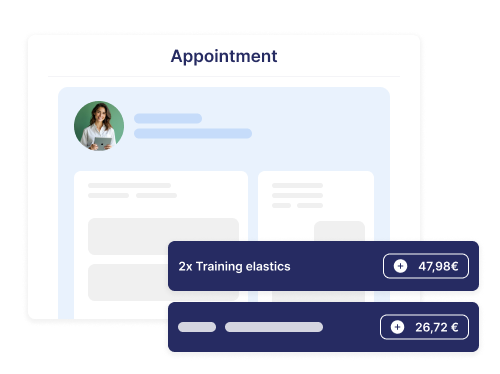
Manually add additional products or services to your appointments with no limits. You retain full flexibility in your billing.
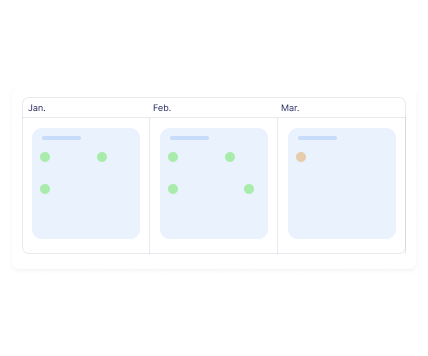
Patient History at a Glance
From each appointment, access the patient’s complete history and upcoming appointments through a clear and intuitive mini-calendar view.
CNS exchanges and error corrections
Automated Coverage Requests
Automatically manage CNS coverage requests by entering your Healthnet token. The software handles transmission and provides a clear overview of all received responses.

Billing Error Pre-detection
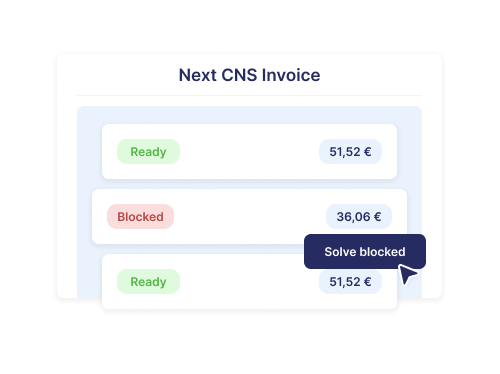
The software automatically detects potential errors in upcoming CNS billings. You are alerted to blocked amounts, allowing you to correct and optimize payments in advance.
Simplified CNS Billing
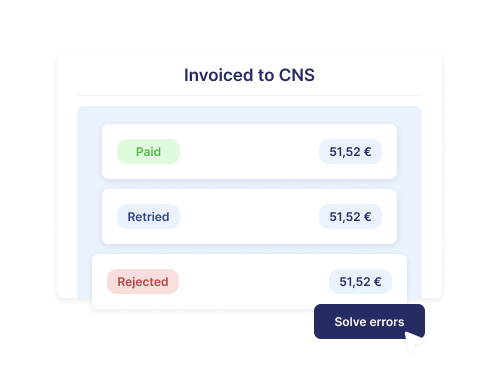
Our software simplifies CNS billing: it automatically calculates amounts from eligible appointments and pre-generates patient invoices, allowing you to bill the CNS quickly while staying compliant with regulations.
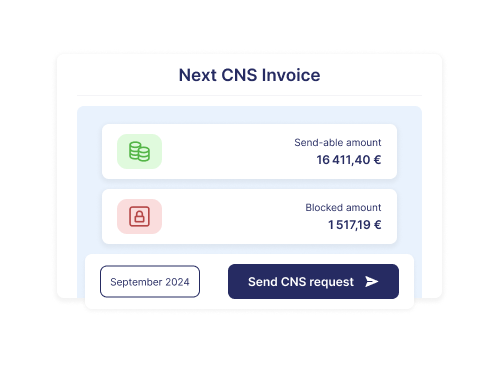
Billing Error Corrections and Resubmissions
Easily correct CNS invoice errors. Once corrected, appointments are included in the next billing cycle, maximizing reimbursement and efficiency.
Patient invoice generation and payment
Customization
Easily customize your invoices with your logo, stamp, colors, legal notices, activity description, and accounting number. All elements are editable in the software settings.

Real-time Configuration
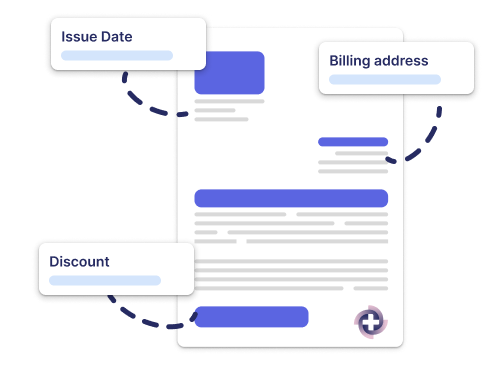
Modify the issue date, billing address, discounts, language, and patient address directly during generation for invoices always tailored to each situation.
Simplified Preview and Generation
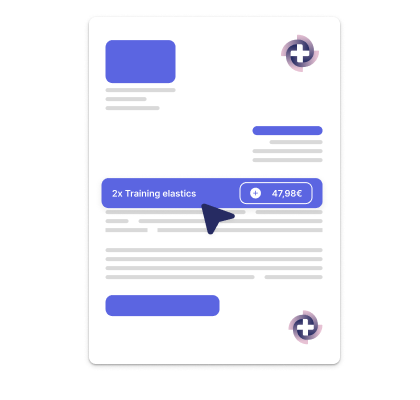
Preview your invoice in real time before generating it. Easily add products, then send it by email or print it with one click.
Integrated Servipay Payments
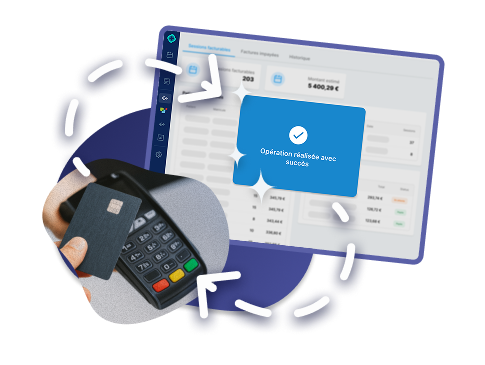
Select the patient’s payment method at checkout, or use Logicare’s Servipay integration to enable direct POS payments. Payments are automatically recorded and funds are instantly credited to your account.
Complete revenue control
Billable Appointment Tracking
Access a detailed view listing all your billable appointments. Never forget to bill a patient again—generate missing invoices to avoid losing potential revenue.

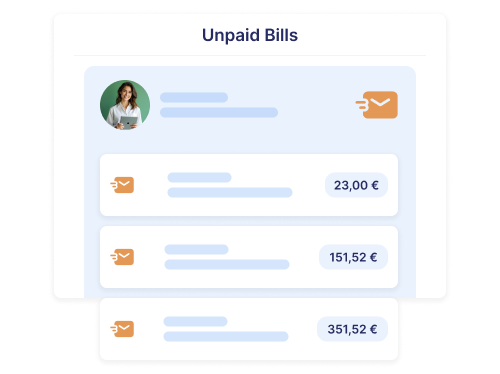
Unpaid Invoice Management and Reminders
Efficiently manage unpaid invoices with a dedicated view. Quickly identify patients who have not paid and send them email reminders to maximize recovery.
Detailed Billing History
Need clarity? Easily access your billing history. View all past invoices and their payment status. Filter by date, patient, status, or invoice number for efficient management.

Efficient practice management
Configurable Permissions
Easily configure your collaborators’ permissions: define which pages they can access and choose the allowed actions (read or write).

Configurable and Automated Revenue Sharing
Customize revenue sharing for your practitioners and have it calculated automatically when generating payslips. This feature simplifies payroll management and ensures accurate financial tracking.

Payslips and Accounting Exports
Payslips are automatically generated based on billed appointments and revenue sharing. Easily export accounting data for seamless integration with your accountant.

Practice Performance Dashboard
Access a complete overview of your practice’s performance with a dashboard displaying key data such as revenue, revenue sharing, number of new patients, and more. Make data-driven decisions to optimize your practice.

Accessibility and support
Responsive and Human Support
Our support team is available 7 days a week from 9am to 7pm via WhatsApp, providing fast daily assistance. We can also organize personalized on-site training sessions if needed.

Accessible anywhere, anytime
Logicare is 100% online and automatically adapts to your screen. Use it on desktop, tablet, or smartphone, wherever you are, whenever you need it.
Multilingual
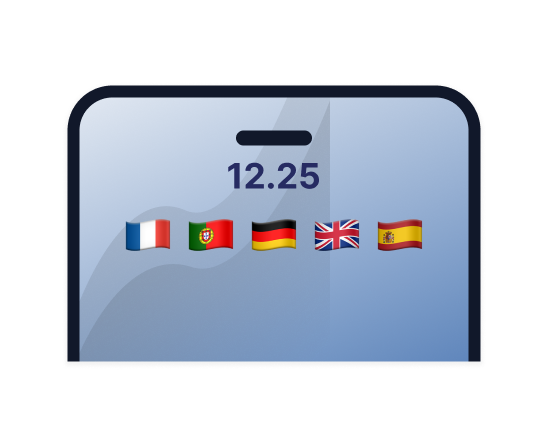
The software is available in French, English, German, Portuguese, and Spanish. Additional languages can be added based on your needs.
Simple Pricing !
Complete calendar management
Patient monitoring
Treatment and exchanges with the CNS
Generation and payment of invoices
Complete control of your income
Effective management of the practice
Practice managers share their experience
❝
Revenue tripled in one year! We are 6 physios, a chiropractor, a podiatrist, and a psychologist. Since using it, everything is simpler: we work together on the same software and save time every day.
Loick Haillant, Practice manager in Luxembourg City

Shall we show you a demo?
Discover how Logicare can optimize your practice management by booking a free demo, via video call or directly at your practice, with our team.

Discover our news

Logicare lance le rapprochement bancaire assisté, enfin 10x plus simple
Importez votre relevé bancaire, laissez Logicare vous guider, gagnez un temps précieux sur votre facturation.

Logicare se synchronise avec AntsRoute pour optimiser les tournées à domicile
Chez Logicare, notre objectif est simple : permettre aux professionnels des soins à domicile de gagner du temps et de se concentrer sur leurs patients

Logicare et Servipay unissent leurs forces : un partenariat innovant pour simplifier vos paiements
Nous sommes très heureux d’annoncer un partenariat stratégique entre Logicare et Servipay.
Frequently asked questions
Yes, we offer a free 30-day trial allowing you to explore all Logicare features with no commitment. You can cancel at any time during this period.
Yes, we provide a completely free half-day training session, either at your practice or via video call, to help you master the software.
Yes, your Doctena appointments are automatically imported into your Logicare calendar with no additional action required. MobMinder is another synchronization option.
Logicare uses advanced technologies and development practices that meet the latest security standards. Regular security updates and backups are continuously implemented, with all data securely stored in a cloud environment compliant with the highest industry standards.
Logicare sends prescriptions and reimbursement requests directly to the CNS via the secure HealthNet healthcare network, in compliance with eSanté and CNS requirements.
Logicare is built with modern technologies and in collaboration with healthcare professionals. Some features are unique: integrated Servipay payments, payslip generation, invoice customization, and a comprehensive performance dashboard.
Our support team is available via WhatsApp or email every day from 9am to 7pm.