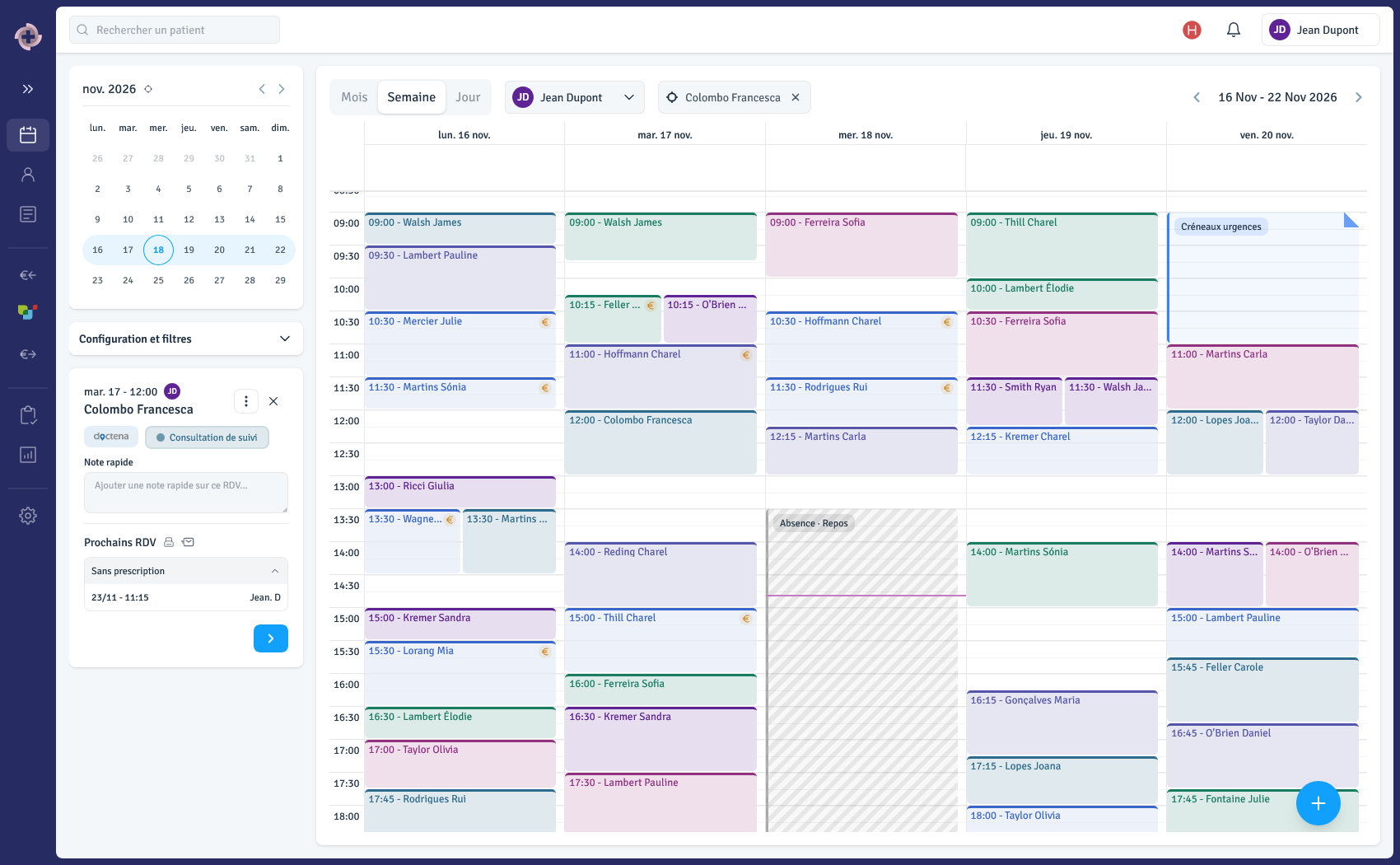

🚀 We are delighted to announce the launch of a new bank reconciliation feature in Logicare. It was designed with a single goal in mind: saving you time on one of the most tedious administrative tasks in the practice, checking off the payments you have received.
A guided workflow, from statement to invoice
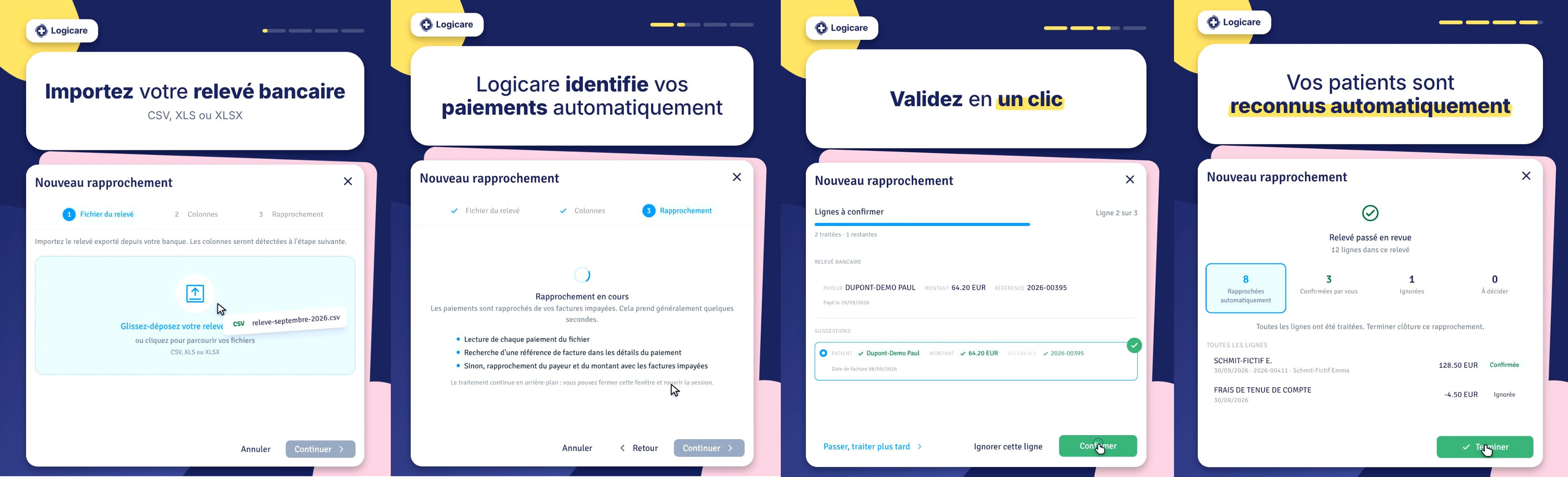
You import your bank statement directly into Logicare. The software analyses each line and pre-identifies the invoice and patient likely to match each payment, then guides you step by step through to a complete reconciliation. You stay in control: you confirm, adjust if needed, and move on to the next payment.
Processing up to 10x faster
With this new feature:
- you save time on a repetitive administrative task,
- you reduce manual reconciliation errors,
- Logicare remembers your recurring patients and automatically re-maps them as soon as it recognises them, so the time you save grows with every statement you import,
- you can more easily spot patient invoices that are still unpaid,
- you keep a clear, up-to-date view of your billing.
In summary
Bank reconciliation lets you import your statement, have Logicare pre-identify your invoices and patients, and confirm a complete reconciliation in just a few clicks. Logicare also remembers your recurring patients and maps them automatically as soon as it recognises them, saving you even more time with every new statement. A feature designed to free you from administrative work, without ever taking final control away from you.
We're not done saving you time on your admin. 👀
Already have access to the feature? Go to Billing (€ icon) → Reconciliation tab → click New reconciliation to get started.
Are you a healthcare professional?
Discover how Logicare can help you run your practice more efficiently and more profitably. Feel free to contact us or request a demo if you would like to find out more about this feature!