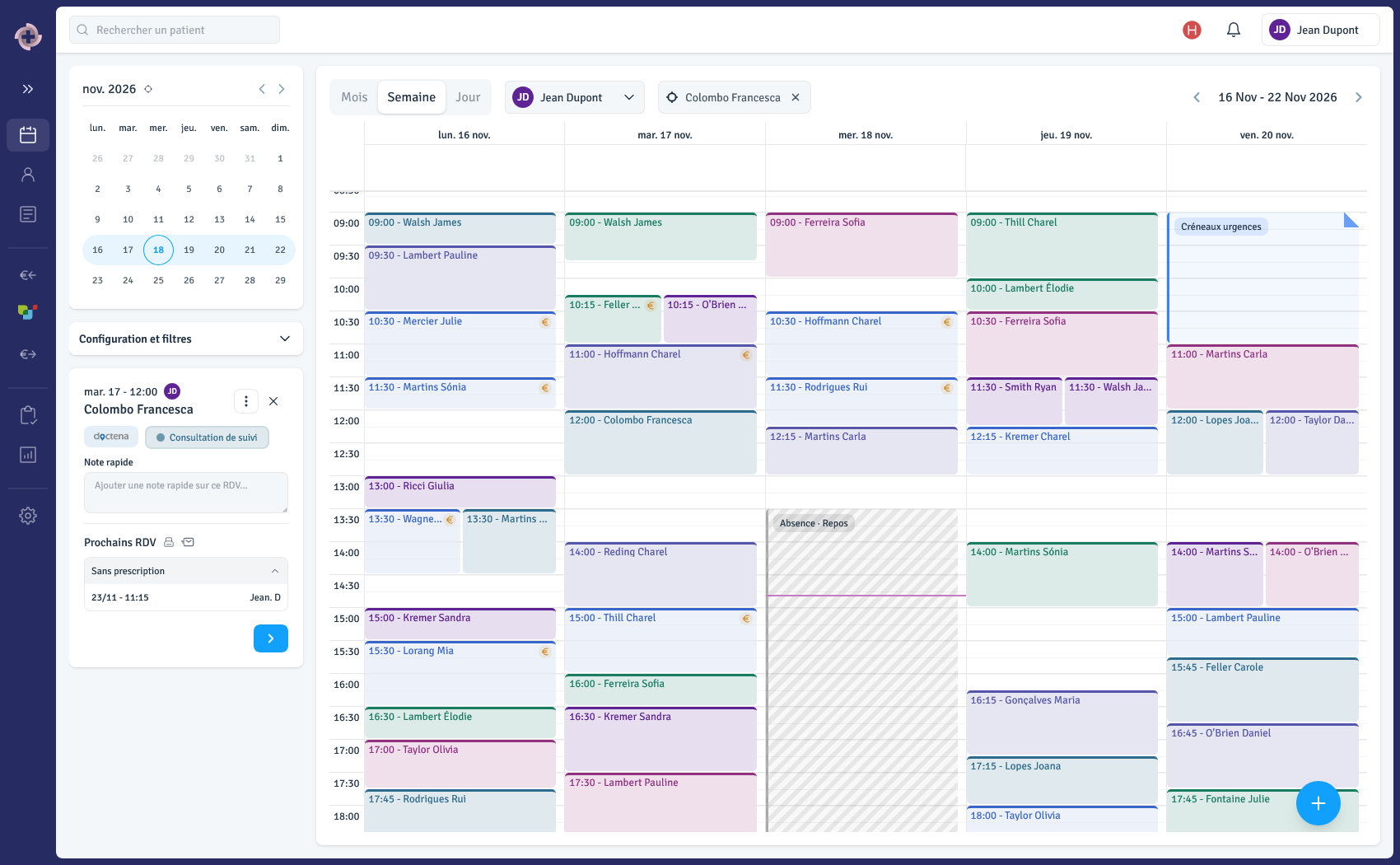
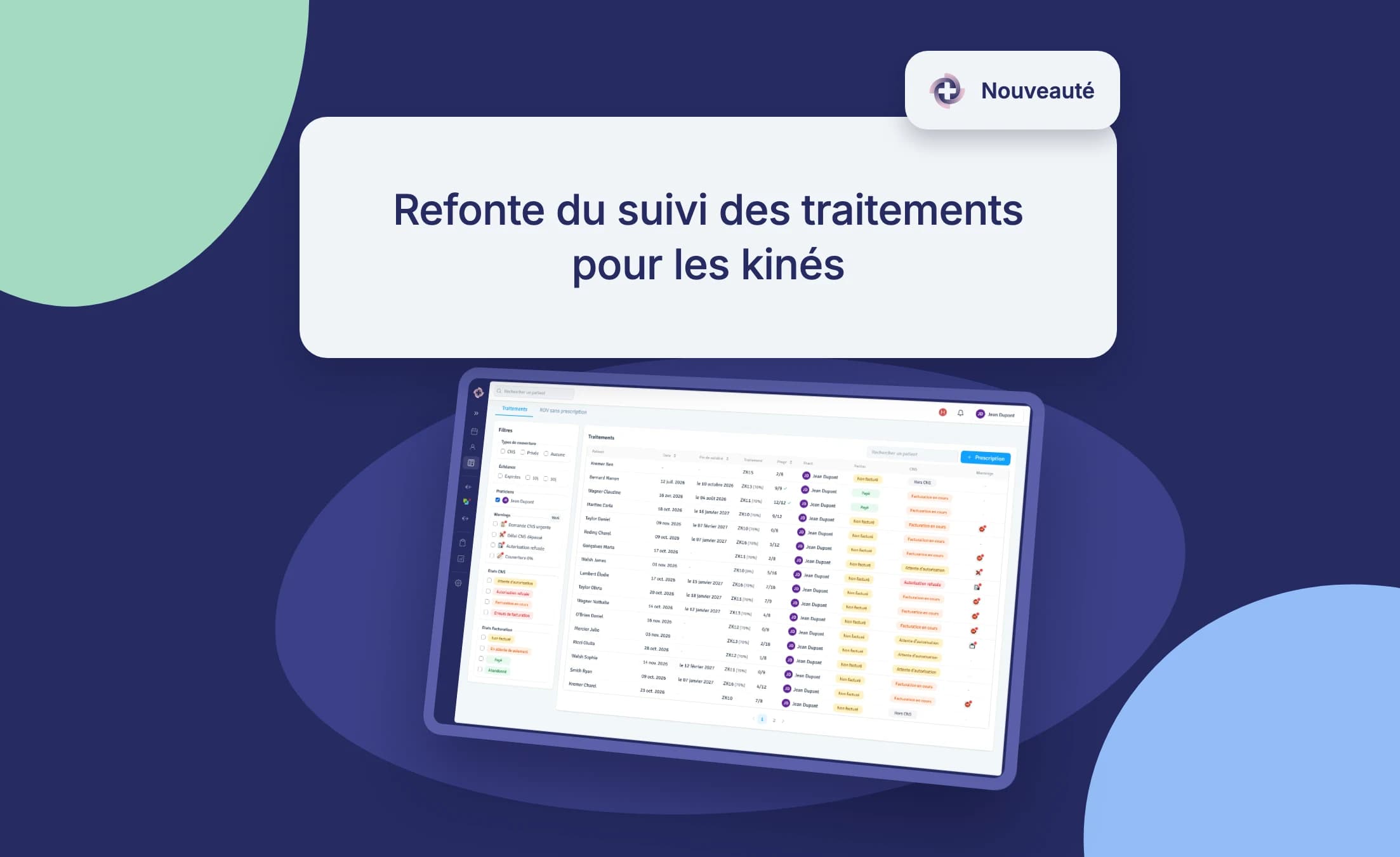
🚀 We are delighted to announce a complete redesign of treatment tracking for physiotherapists in Logicare. Every screen has been rebuilt from the ground up, with one goal: showing you right away what needs your attention, and giving you the action to fix it.
Much faster screens
The treatments page, the treatments tabs of the patient file and the appointment, and the treatment details are now much faster, especially for practices with many patients and prescriptions.
The whole treatment on one screen
The treatment details now bring everything together and load instantly: the prescription, the CNS coverage, a sessions calendar, patient and CNS billing, and the amount collected or still to collect. You find the same details on the treatments page, in the patient file and in the appointment.
At the top, each issue of the treatment is shown as an alert that explains what to do, with the button to fix it: "Generate the request", "View anomalies", "Align sessions", "Link them"… Once the issue is fixed, the alert disappears. Sessions are also grouped into "To process", "In order" and "Canceled and no-shows".
What changes for you
With this redesign:
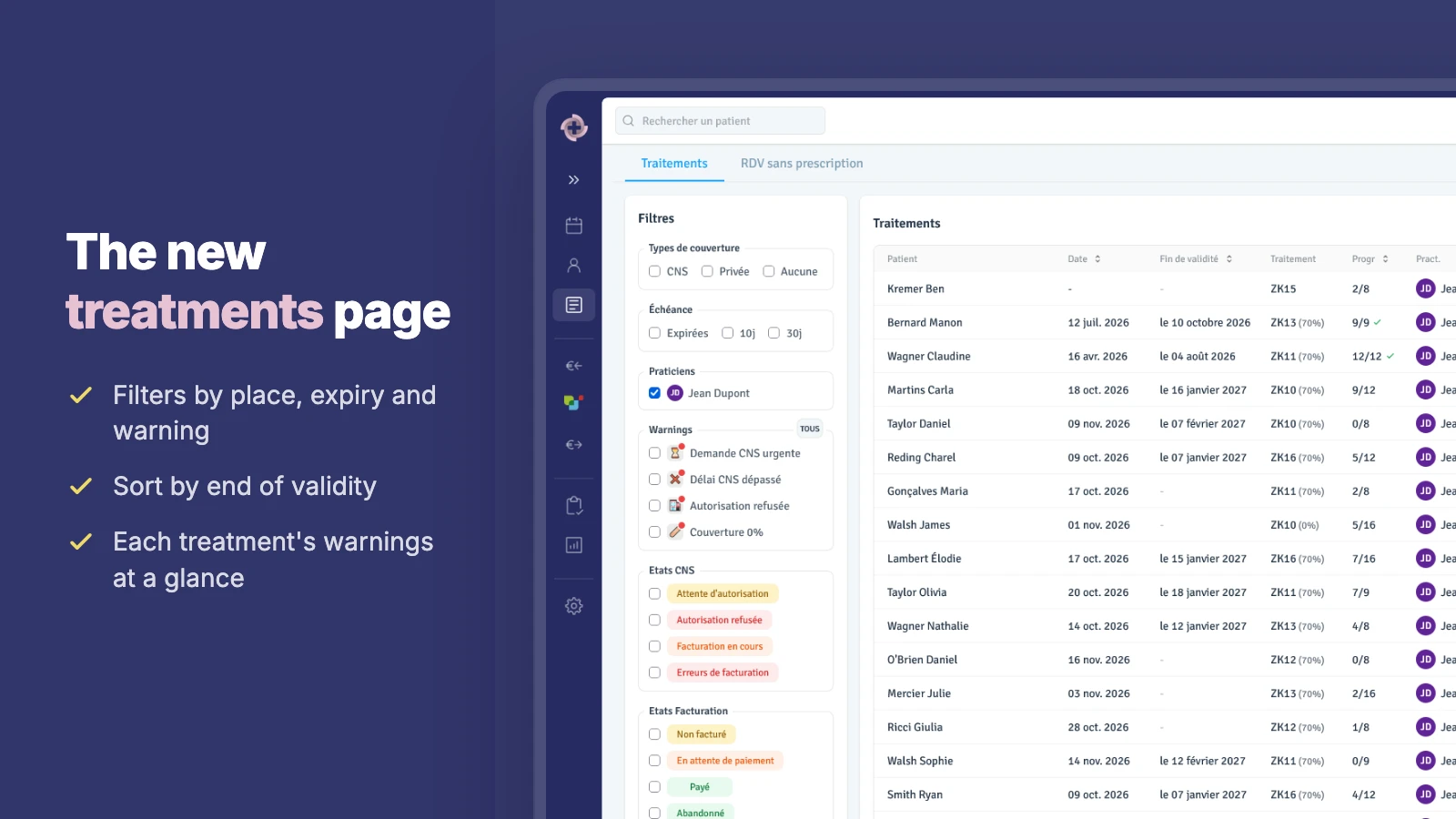
- you spot treatments at risk at a glance thanks to the warning icons in the list, including three new ones: CNS billing errors, blocked sessions and CNS authorization request not generated yet,
- you filter your treatments by place, expiry or warning, and sort by end of validity so no prescription expires unnoticed,
- you see the CNS details of each session: sent or not, paid or rejected, errors and storno,
- a new page lists the patients with appointments without a prescription, so you can link them in one click from the patient file,
- from a calendar of the patient's appointments, Quick Edit lets you link or detach appointments, change their prescription, move, split or cancel them, and resend rejected CNS lines.
In summary
The new treatment tracking shows you what needs your attention (missing or refused CNS authorization, prescription expiring soon, rejected sessions, treatment to bill) and gives you the action to fix it, on one screen and without waiting. Fewer lost sessions, fewer rejected invoices, and a clear view of what is left to collect.
As a reminder, the CNS rules on deadlines and session limits are covered in our guide to physiotherapy prescriptions in Luxembourg, and the 2026 codes and rates in our article on the CNS physiotherapy fee schedule.
We're not done saving you time on your admin. 👀
Already using Logicare? The redesign is available to all physiotherapists: open the Treatments page to discover it.
Are you a healthcare professional?
Discover how Logicare can help you run your practice more efficiently and more profitably. Feel free to contact us or request a demo if you would like to find out more about this feature!